
Finance and accounting in a real estate ERP means every sale, installment, purchase, contractor bill and salary posts to the ledger automatically, tagged to the right project. The owner can see project-wise profit, customer dues, supplier payables and cash position at any time, without waiting for month-end cleanup.
This guide explains how real estate accounting differs from normal business accounting, what features you need, and how to avoid the problems that cost developers money.
Why real estate accounting is different
In a shop, you buy goods, sell goods and count the profit. In real estate, the picture is more complex.
- Long projects. A building may take years. Money goes out long before money comes in.
- Many projects at once. Costs must stay with the right project. If they mix, profit numbers are useless.
- Customer installments. Revenue comes in small parts over a long time.
- Large land costs. One big payment can change the whole picture.
- Contractors and suppliers. Running bills, advances and retention money need careful tracking.
- Partners and landowners. Many projects are joint ventures with profit or flat sharing.
- Tax and VAT. Rules apply to sales, purchases and services.
A general accounting tool can handle bookkeeping, but it often cannot tell you which project is making money. That is the key question.
What the finance module should do
1. Project-wise accounting. Every transaction carries a project tag. You can see income, cost and profit for each project, building or phase.
2. Customer ledger and installment accounting. Each buyer has an account that shows booking money, installments, receipts, dues and any late charges. When a payment comes in, the system posts it to the right customer and the right bank or cash account.
3. Automatic posting from other modules. A purchase bill, a contractor bill, a salary run or a customer receipt should flow into accounts without retyping. Linked data means fewer errors.
4. Supplier and contractor payables. See who you owe, how much and when. Include advances, retention and deductions.
5. Cash and bank management. Cash book, bank book, cheque tracking, bank reconciliation and daily cash position.
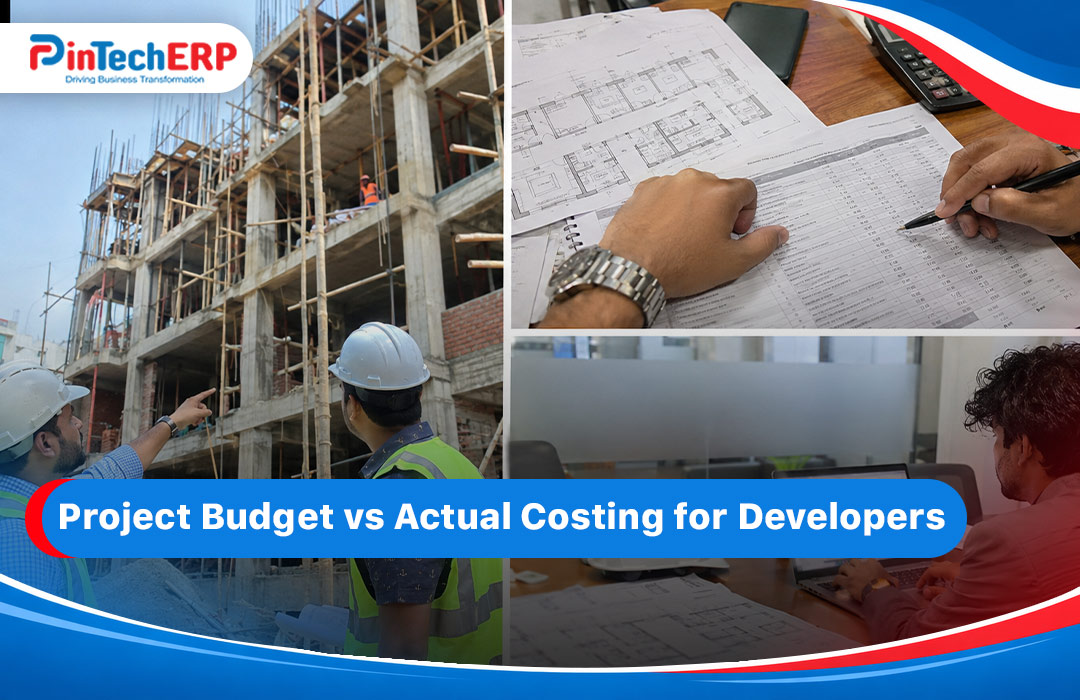
6. Budget vs actual. Set a budget by project and cost head. See actual spending in real time and get alerts before limits are crossed.
7. VAT and tax handling. VAT on sales and purchase, tax deducted at source and the reports your auditor needs. Check the VAT workflow in a live demo, not just on slides.
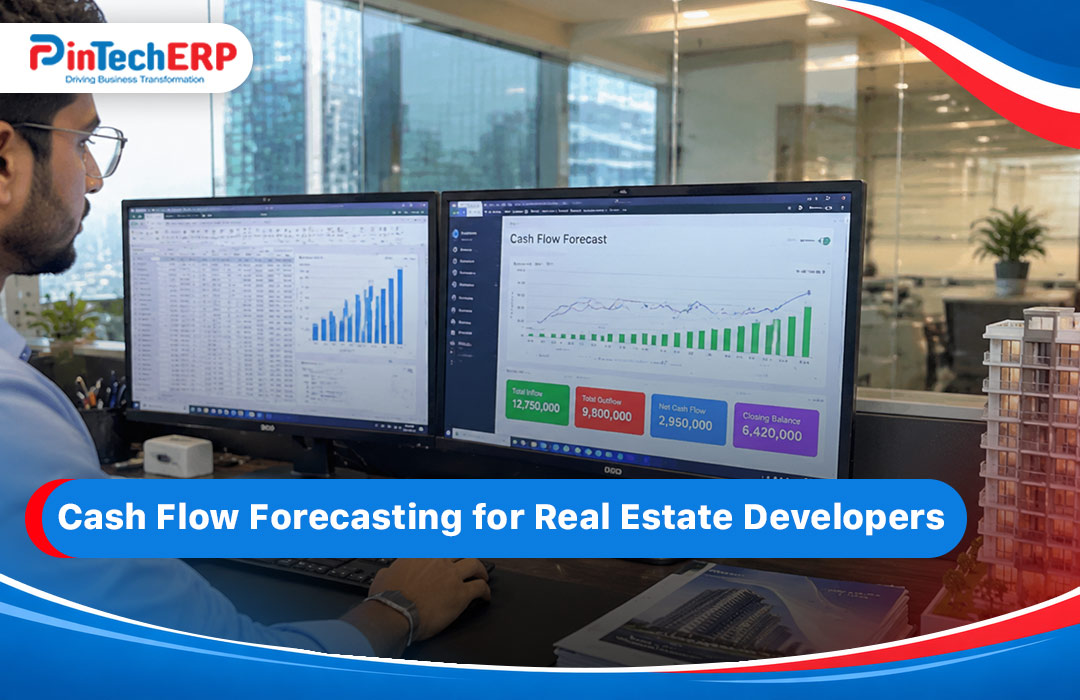
8. Cash flow forecast. Based on expected installments and planned payments, show when cash will be tight. This is vital for developers who fund construction from sales.
9. Financial statements. Trial balance, profit and loss, balance sheet and ledger reports, by company and by project.
10. Audit trail and approvals. Who entered, edited or approved each entry. Lock closed periods.
Features that make a real difference
Cost per square foot. One number that helps with pricing and checking efficiency.
Land cost allocation. Spread land cost across units or floors by your chosen method.
Landowner share tracking. If landowners get flats or a share of sales, the system should keep that clean.
Multi-company support. Many developers run sister concerns. You need one login, many companies and an easy consolidated view.
Cheque and PDC tracking. Post-dated cheques are common. Track due dates, deposits and bounces.
Foreign currency support. Useful if you import fixtures or fittings.
How it connects with the rest of the system
Accounts are the end of the chain. The quality of your accounts depends on what feeds them.
- Flat and apartment sales and plot sales feed customer ledgers and revenue.
- BOQ and project costing feed cost against budget.
- Purchase and store records feed supplier bills and stock value.
- Contractor bills feed payables and retention.
- HR and payroll feed salary expense.
When these are linked, month-end closing becomes a short review instead of a long cleanup.
A simple month-end flow in an ERP
- Check that all customer receipts for the month are posted.
- Check that all purchase and contractor bills are entered and approved.
- Run payroll and post it.
- Reconcile the bank accounts.
- Review the project-wise cost against budget.
- Review the due list and the payables list.
- Close the period and run the reports.
In a connected system, steps 1 to 3 are mostly automatic. The team spends time on checking, not typing.
Common accounting mistakes in real estate
Mixing project costs. If all costs go into one pool, you do not know which project earns money.
Treating customer advances as income too early. Understand how your accountant records booking money and installments, and make sure the system follows the agreed method.
Poor control of retention and advances. These add up over many contractors and projects.
Late posting. If site bills arrive weeks after the work, the cost report is always behind. Set a cut-off rule.
Weak cheque tracking. Missed or bounced cheques cause cash surprises.
Using separate tools. Sales in one tool, accounts in another, payroll in Excel. Reconciliation takes days.
What to ask in a demo
- Show me a project-wise profit and loss for one project.
- Show me how a customer installment is posted and what the customer ledger looks like.
- Show me a contractor running bill with retention in the ledger.
- Show me a VAT report.
- Show me how I close a month and lock it.
- Show me a cash flow forecast.
- What happens to accounts when a booking is cancelled and refunded?
If the vendor cannot show these, the finance side may be weak.
Do I need a separate accounting tool?
For most real estate firms, a built-in finance module is better. Separate tools mean double entry, mismatches and delays.
If you are small or just starting, a lighter system such as PinBook Cloud can handle accounts, and you can grow later. For general reading, see accounting software in Bangladesh and accounting software for businesses.
How PinBuild+ supports real estate accounting
PinBuild+ connects sales, installments, purchase, project cost and accounts for real estate and construction companies. [Add: confirm finance features, such as project-wise P&L, customer ledger, cheque tracking, VAT reports, multi-company and budget alerts. Add a screenshot of the project profit report.]
To see it live with your own project, ask for a real estate ERP demo. For a wider view, read our real estate ERP guide.
Quick checklist
- Project-wise income, cost and profit
- Customer ledger with installment tracking
- Auto posting from sales, purchase, payroll and contractor bills
- Payables with retention and advance handling
- Cash, bank and cheque tracking
- Budget vs actual with alerts
- VAT and tax reports for Bangladesh
- Cash flow forecast
- Audit trail and period lock
FAQs
What is real estate accounting software? It is accounting software that tracks cost, revenue, customer installments and profit for each property project.
Can ERP show profit by project? Yes, if every transaction is tagged to a project. Ask to see this in a demo.
Does it handle VAT? A good Bangladesh ERP should. Check the actual report.
Can it track post-dated cheques? Many systems can. Ask how due dates and bounces are handled.
Should I keep my current accounting tool? If it does not link to sales and project cost, you will keep double entering. A connected system is usually better.
Can small developers use it? Yes. Start with core finance and sales, then add modules.