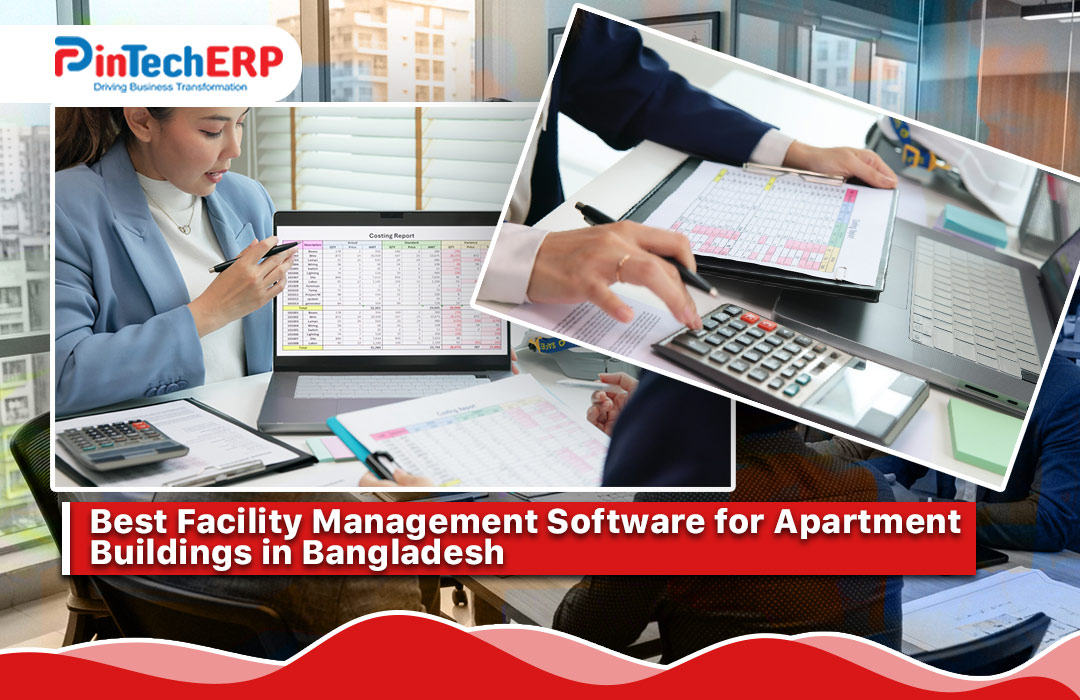
Facility management software keeps buildings working. It records service requests, schedules preventive maintenance, assigns technicians, tracks vendors and AMC contracts, logs inspections and shows what each repair cost. For tower managers, property companies, factories and campuses, it turns daily firefighting into a planned routine.
This guide is for facility managers, property management companies, developers who manage buildings after handover and organizations with large premises in Bangladesh.
What facility management covers
Facility management means everything that keeps a building safe, comfortable and working:
- Technical systems: lifts, generators, pumps, water systems, fire and safety, HVAC, electrical, gas and CCTV
- Building fabric: roofs, walls, doors, paint and plumbing
- Services: cleaning, security, pest control, waste and landscaping
- Utilities: electricity, water and gas use
- Occupants: requests and complaints from tenants and owners
- Vendors: contractors and AMC providers
Rent and owner accounts belong to property management. Read property management ERP in Bangladesh for that side. This page focuses on keeping the physical building in good condition.
Common problems in building operations
- Requests get lost. Tenants call, send messages or tell the guard, and the issue is forgotten.
- Maintenance is reactive. Things are fixed after they break, which is costlier and riskier.
- No service history. Nobody knows when the generator was last serviced.
- AMC dates are missed. Contracts lapse, or vendors do not show up and nobody checks.
- Vendor work is not verified. You pay for visits that did not fully happen.
- Costs are unclear. Repair and service cost per building or asset is a guess.
- Compliance checks slip. Fire safety, lift inspection and similar checks are missed.
- Utility waste is invisible. Leaks and high use go unnoticed.
- Tenant satisfaction drops. Slow response damages renewals and reputation.
- Staff are overloaded. Technicians do not know the day’s priorities.
What facility management software should do
1. Asset and equipment register. Every lift, pump, generator, AC and panel with location, model, serial, installation date, warranty and documents. Barcode or QR labels for fast lookup. See asset management software.
2. Service request and helpdesk. Tenants, owners or staff raise a request by phone, app, web or the front desk. The ticket has category, location, priority and photos. Status updates are sent back.
3. Work orders. A work order from a ticket or a schedule: task, location, technician or vendor, due date, parts and instructions. Technicians update status and close with notes and photos.
4. Preventive maintenance. Schedules by time or usage: weekly, monthly, quarterly or yearly. Checklists for each task. Automatic work orders before the due date.
5. Inspections and rounds. Daily and weekly checklists, for example generator room, pump room, fire panel and common areas. Scan a tag to prove the round was done.
6. Vendor and AMC management. Vendor records, contracts, scope, visit schedule, rates and renewals. Alerts before expiry. Visit verification and performance notes.
7. Spare parts and consumables. Stock of filters, bulbs, pipes, belts and other parts. Usage per work order. Reorder alerts. See inventory management software.
8. Cost tracking. Labor, parts and vendor cost per work order, per asset, per building and per period. See which assets cost too much to keep.
9. Utility tracking. Meter readings for electricity, water and gas, with trend views and alerts for sudden jumps.
10. Security, cleaning and other services. Rosters, attendance and checklists for outsourced and in-house service teams.
11. SLA and response time. Targets by priority, such as lift stuck, water outage or routine request, and reports on response and closure time.
12. Compliance calendar. Lift, fire safety, electrical and other inspections with due dates and certificate records. [Add: confirm with your team which checks apply to your buildings.]
13. Billing link. Service charge and chargeable repairs flow to tenant or owner accounts. See property management ERP and rental management ERP.
14. Accounts and VAT. Maintenance cost posts to the ledger by building. See accounting software in Bangladesh.
15. Mobile app for technicians and guards. See tasks, scan assets, update tickets and capture photos, with weak-signal support.
16. Reports. Open tickets, response time, maintenance backlog, cost by building and asset, AMC due, vendor performance, utility trends and compliance status.
Features that matter most
Easy ticket entry for tenants. If it is hard, they will call the guard.
Preventive scheduling. The biggest saver of repair cost and downtime.
Asset history. One screen shows everything done to a machine.
Photo proof. Before and after pictures reduce disputes.
Vendor control. Verified visits and renewal alerts.
Cost per asset. Decide when to repair and when to replace.
Who uses facility management software?
- Property management companies serving owners and tenants. See PinPMS and ERP for property management companies.
- Developers who manage handed-over buildings.
- Commercial towers and malls. See commercial real estate ERP.
- Factories with utilities and machine rooms. See manufacturing ERP.
- Hospitals, schools and campuses with large premises.
- Hotels and serviced apartments.
Benefits you can expect
Fewer breakdowns. Preventive work finds problems early.
Faster response. Tickets reach the right person at once.
Lower repair cost. Planned work is cheaper than emergency work.
Longer asset life. Regular service pays off.
Happier tenants and owners. Clear updates and quick fixes.
Better vendor value. You pay for work that is done and verified.
Safer buildings. Inspections and compliance are not forgotten.
See the ERP ROI calculator.
How to choose
List your assets and services. How many buildings, assets, vendors and technicians?
Test with real tickets. Give the vendor a few real requests, a lift AMC and a generator maintenance plan. Ask them to raise tickets, create work orders, schedule preventive tasks and show cost per asset.
Ask hard questions.
- How do tenants raise requests, and how do they see status?
- How are preventive schedules and checklists created?
- How do I verify a vendor visit?
- How do I see cost per asset and per building?
- How are overdue tasks escalated?
- Does it work on a phone with weak internet?
Check the link to rent and accounts. One system saves double entry.
Check support and price. See ERP software price in Bangladesh. For a full framework, read how to choose the right ERP software.
Rollout plan
- Build the asset register. Walk the building and tag key assets.
- Set up locations, categories and roles.
- Load vendors and AMC contracts.
- Create preventive schedules for critical assets first.
- Start the helpdesk with one building.
- Train technicians and guards on the mobile app.
- Review backlog and cost weekly, then add more buildings.
Mistakes to avoid
Starting without an asset list. You cannot plan maintenance for unknown assets.
Only reactive tickets. Add preventive schedules early.
No verification of vendor work. Require photos and sign-off.
Complex ticket forms. Keep them short.
No priority rules. A stuck lift and a flickering bulb are not equal.
Ignoring technician training.
A short example
A company manages a 15-storey commercial tower. Requests arrive by phone and message. The generator is serviced when someone remembers. The lift AMC lapses without notice. Tenants complain about slow response.
After facility software, every request becomes a ticket with a priority. Preventive tasks for the generator, pumps and lifts are scheduled. An alert warns of the lift AMC renewal 60 days ahead. Technicians close tickets with photos. Response time improves, and the manager sees that one old pump has cost more in repairs than a replacement would.
Where PinPMS fits
PinPMS is our property management solution, and PintechERP provides accounts, stock and HR. [Add: confirm which facility features you support, such as helpdesk, work orders, preventive schedules, AMC tracking, asset tags, inspections and utility readings. Add one named client and a screenshot of a ticket board or a maintenance calendar.]
See also PinBuild+ if you also develop and sell. To try it, request a demo and bring a list of your assets and a few real tickets.
Quick checklist
- Asset register with QR tags
- Helpdesk and service tickets with priority and photos
- Work orders with technician or vendor
- Preventive schedules and checklists
- Inspection rounds with proof
- Vendor and AMC tracking with alerts
- Spare parts and cost per asset
- Utility readings and alerts
- Compliance calendar
- Link to rent, service charge and accounts
- Mobile app for technicians
FAQs
What is facility management software? It is software that manages building maintenance, service requests, assets, vendors, inspections and costs.
How is it different from property management software? Property management focuses on tenants, rent and owners. Facility management focuses on the physical building and its upkeep. Many systems combine both.
Can it track AMC contracts? Yes, with contract dates, visit schedules and renewal alerts.
Can tenants raise requests themselves? With a helpdesk or app, yes. Check that it is easy to use.
Does it support preventive maintenance? Yes, and this is one of its biggest benefits.
How long does setup take? Often weeks, depending on how many assets and buildings you load first.