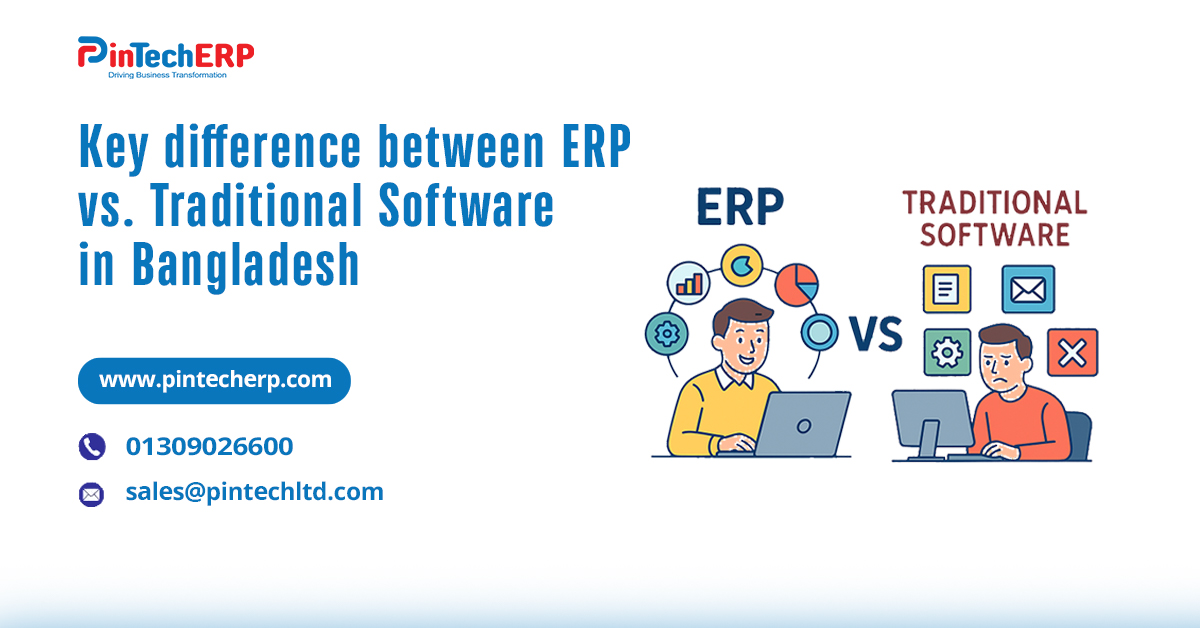
The main difference is this: traditional software solves one task at a time, and each tool keeps its own data. ERP connects many tasks in one system with one shared database. With traditional tools, people move data between programs by hand. With ERP, data flows on its own, so everyone works from the same live numbers.
This guide compares the two in plain language, so you can decide which fits your business today and when it is time to move.
What we mean by “traditional software”
In this guide, traditional means a set of separate tools that were each chosen for one job:
- An accounting package for ledgers and VAT
- Excel sheets for stock, sales and reports
- A billing or POS tool at the counter
- A separate payroll or attendance tool
- Paper registers and notebooks
- A customer list in a phone or a CRM that is not linked to anything
Each one can be good at its own job. The weakness is what happens between them.
What ERP means in comparison
ERP (Enterprise Resource Planning) is one connected system for the main parts of a business: accounts, sales, purchase, inventory, production or projects, HR and reports. All modules share one database. If you want the basics first, read the importance of ERP software in Bangladesh.
Side-by-side comparison
| Area | Traditional (separate tools) | ERP (connected system) |
|---|---|---|
| Data | Many copies in many places | One shared database |
| Entry | Same data typed more than once | Entered once, used everywhere |
| Accuracy | Mismatches are common | Fewer mismatches |
| Reports | Built by hand from several files | Live from the system |
| Stock and sales | Updated separately | Update each other |
| Accounts | Entries are re-typed from other tools | Post automatically |
| Control | Anyone can change a sheet | Roles, approvals and audit trail |
| Growth | Gets harder with each branch or product | Designed to scale with modules and branches |
| Setup effort | Low at the start | Higher at the start |
| Starting cost | Low | Higher |
| Cost over time | Hidden in staff time and errors | More visible and predictable |
| Dependence on people | High | Lower, knowledge is in the system |
| Compliance | Manual effort for VAT and audit | Consistent records |
Neither column is “good” or “bad” in all cases. Each has its place.
Where traditional tools are enough
Be fair to the simple option. Separate tools can work well when:
- You are a very small business with one location and few transactions.
- You have one or two people handling everything, so nothing needs to be shared.
- Your needs are narrow, such as only billing or only accounts.
- Your processes are simple and stable.
- Your budget is extremely tight, and the problems are small.
In that case, a good accounting tool and a clean spreadsheet may be all you need. Start there, and watch for the warning signs below.
Warning signs that you have outgrown separate tools
- Different people give you different numbers for the same thing.
- You type the same data into two or three files.
- Stock counts keep finding large gaps.
- Month end takes days.
- You cannot see customer dues by age without effort.
- You plan new branches or product lines.
- One person holds all the knowledge.
- You are nervous about VAT or audit.
See more in problems without an ERP system.
A closer look: five differences that matter
1. Integration. In ERP, a sale does several things at once: reduces stock, creates an invoice, updates the customer ledger and shows in the sales report. With separate tools, a person does each step.
2. Real-time visibility. ERP shows today’s position. Separate tools show the position of the last time someone updated the sheet.
3. Control and security. ERP has user roles, approvals and an audit trail. Excel has little of this. A single changed cell can go unseen for months.
4. Scalability. Adding a branch to ERP means adding a location in the same system. With separate tools, you copy the file and merge later. See ERP for multi-branch business.
5. Process discipline. ERP follows rules: credit limits, approval chains, stock checks. Separate tools rely on people to remember.
ERP vs accounting software
This is the most common comparison.
- Accounting software records money: ledgers, VAT, bank, cash and statements. It is essential, and some are very good. See accounting software in Bangladesh.
- ERP includes accounting, and also runs the activities that create the money: sales, purchase, stock, production, projects and payroll.
If you only need books, accounting software may be enough. If stock, sales, production or projects drive your numbers, ERP saves you from re-typing everything into accounts.
ERP vs Excel
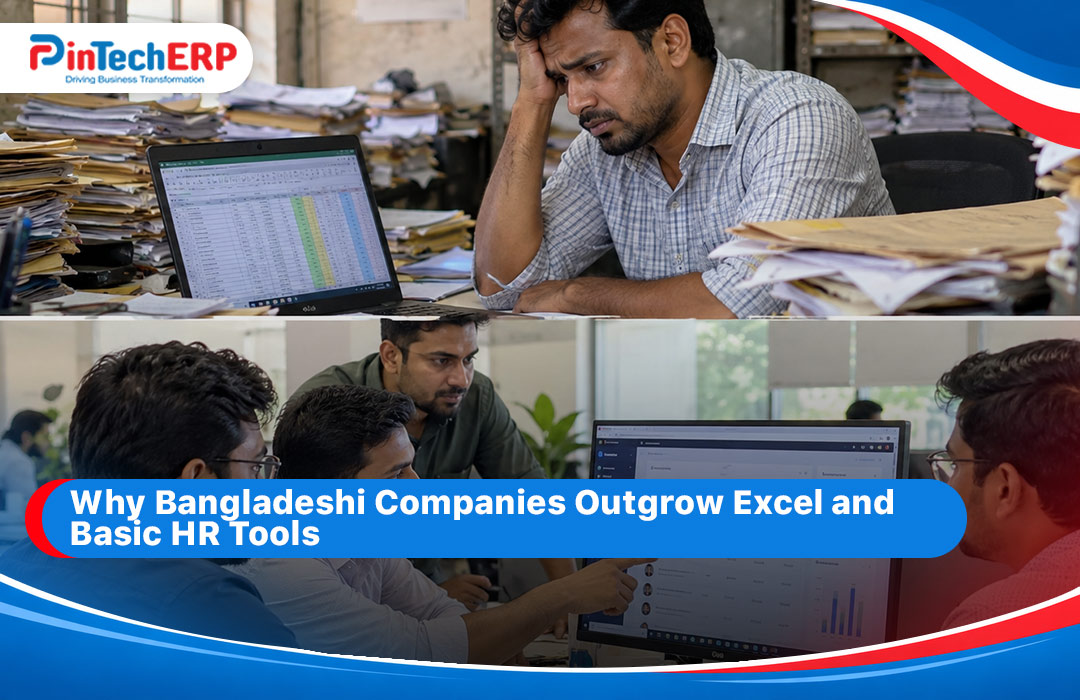
Excel is flexible and familiar. It is good for analysis and one-off work. But as a system of record for a growing business, it has limits:
- No real controls over who changes what
- Version problems when many people edit copies
- Slow and error-prone with large data
- No automatic links between sheets for stock, sales and accounts
- Hard to audit
Many companies keep Excel for analysis, but move daily records into ERP.
The cost question
Traditional tools usually cost less to start. ERP costs more at the start, because of setup, data work and training. But compare the full picture over three to five years:
- Staff hours spent on re-typing and fixing errors
- Stock lost or tied up
- Late collection and credit loss
- Delays at month end and audit
- Cost of growing the old way
See how ERP software saves cost and use the ERP ROI calculator to compare with your numbers. For the price side, read ERP software price in Bangladesh.
Is there a middle path?
Yes. You do not have to jump from Excel to a full ERP in one step.
- Start with the core. Accounts, sales, purchase and stock in one system. See ERP for small business.
- Use a light cloud option such as PinBook Cloud to start without heavy setup. See cloud-based ERP software in Bangladesh.
- Add modules later. HR, CRM, production or project costing when you need them.
- Keep a few good point tools where they truly excel, and connect them.
How to decide: a short checklist
Choose traditional tools if most of these are true:
- One location, few staff
- Low transaction volume
- Simple, stable process
- No plans to grow soon
- Small, low-risk problems today
Choose ERP if most of these are true:
- Several departments depend on the same data
- You have or plan branches, sites or many staff
- Stock, credit or cost control is a problem
- You want live reports and stronger control
- You want a record that supports VAT, audit and growth
Moving from traditional tools to ERP
The move works best in steps.
- List your tools and what each is used for.
- Clean your data. Items, customers, suppliers, opening balances.
- Choose a vendor with your industry experience. See how to choose the right ERP software.
- Start with core modules.
- Run in parallel for a short time, then switch.
- Retire the old tools you no longer need, so nobody keeps using them.
See ERP implementation steps and ERP implementation cost.
A short example
A wholesale company uses an accounting package for books, Excel for stock and a notebook for dealer dues. The accountant re-types sales into the package every evening. Stock counts rarely match, and the owner cannot see dues by age.
After moving to ERP, a sale updates stock, ledger and dealer dues in one step. The evening re-typing stops. An aging report shows who is late. The accountant now spends the time on checking and analysis instead of typing.
Where PintechERP fits
PintechERP is a connected system for Bangladeshi businesses, with industry versions where needed. [Add: a short fair statement on what you replace in a typical customer, for example “most customers replace an accounting package, three Excel files and a notebook”, and one real client example.]
To compare with your current tools, request a demo and bring a list of what you use today.
Quick summary
- Traditional tools: separate, simple, cheap to start, hard to scale
- ERP: connected, one database, more setup, easier to control and grow
- Small and simple businesses can start with traditional tools
- Warning signs: mismatches, double entry, stock gaps, slow month end
- A middle path exists: start light, add modules later
FAQs
What is the main difference between ERP and traditional software? Traditional tools handle one task each with separate data. ERP connects many tasks with one shared database.
Is ERP better than accounting software? It depends. Accounting software handles money. ERP also handles stock, sales, production and HR, and posts to accounts automatically.
Can I keep using Excel with ERP? Yes, for analysis. Move daily records into ERP.
Is ERP more expensive? It costs more to start, but can cost less over time. Compare the three-year total.
When should a small business switch? When mismatches, double entry or slow reports start to cost time or money.
Can I switch in stages? Yes. Start with core modules and add more later.