
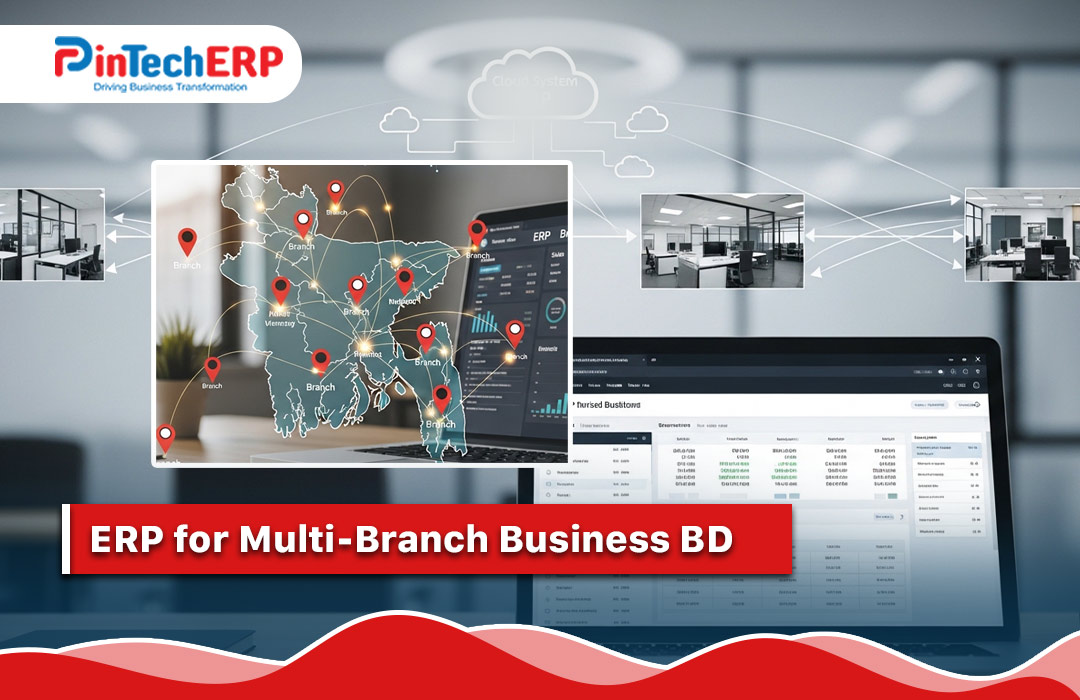
ERP for a multi-branch business lets head office and every branch work in one system: shared items and customers, branch-wise stock and sales, transfers between branches, branch-wise accounts and one live consolidated report. It gives owners control without calling each manager, and it gives branch managers clear tools and limits.
If you run shops, showrooms, depots, factories, clinics, schools or project sites in more than one place, this guide shows what to look for.
Why branches create problems
One location is easy to watch. Many locations are not. Each branch has its own staff, stock, cash and habits. Without a shared system, head office sees a summary only after each branch sends its sheet, and by then it is late and hard to verify.
Common problems:
- Late and inconsistent reports. Each branch uses a different format.
- Stock imbalance. One branch runs out while another has excess.
- Transfers without records. Goods move between branches by phone and vanish from the books.
- Price differences. Branches give different prices or discounts to the same customer type.
- Cash control. Daily cash and bank deposits are checked late.
- No branch profit view. You know total profit, but not which branch makes it.
- Duplicate customers and items. The same item has different codes in different branches.
- Weak controls. Branch staff can change records with little review.
- Slow decisions. Head office waits for data before acting.
What multi-branch ERP should include
1. Company and branch structure. One company with many branches, depots, warehouses or sites, and an option for several legal entities if you run sister concerns.
2. Shared master data with control. One item list, one customer list and one supplier list, with rules on who can create or change records. Branch-specific prices where needed.
3. Branch-wise stock. Stock by branch and godown, with live visibility across locations. See inventory management software and warehouse management software.
4. Inter-branch transfers. Sender creates a transfer, goods are in transit, receiver confirms. Both books update, and differences are flagged.
5. Central and local purchase. Head office purchasing for the whole group, or branch purchase within limits and approvals. Option to combine orders for better price.
6. Sales and pricing. Price lists by branch or channel, discount limits by role, and branch-wise sales reports. For counters, see POS software for retail and wholesale.
7. Branch accounting. Branch-wise ledgers, income and expense, profit and loss and balance sheet. Inter-branch accounts that reconcile. See accounting software in Bangladesh.
8. Cash and bank control. Daily cash reports by branch, deposit tracking and cheque tracking.
9. Roles and approvals. Branch manager, accountant, store keeper and head office roles. Approvals by amount. Branch users see only their own data, head office sees all.
10. Consolidated reporting. Group view with drill-down to a branch: sales, stock, dues, cash and profit. Compare branches on the same measures.
11. HR and payroll across branches. Staff by branch, branch-wise attendance and payroll cost. See HR software in Bangladesh and biometric attendance and payroll.
12. Mobile access for owners and managers. Check any branch from a phone.
13. Works with weak connectivity. Branches may have poor internet. Ask how the system behaves when the connection drops.
14. Audit trail. Who did what, in which branch, and when.
Features that matter most
Live stock across branches. The base of smart transfers and fewer lost sales.
Transfer with confirmation. A transfer is not complete until the receiver confirms.
Branch profit and loss. The simplest way to see which branches deserve investment.
Role-based access. Strong head office control, practical branch freedom.
One master list. Prevents duplicate items and customers.
Fast onboarding of a new branch. Add a branch in days, not weeks.
Branches in different industries
- Retail and showrooms: stock by outlet, daily sales and transfers. See ERP for retail industry and PinPOS.
- Footwear and fashion brands with factories and showrooms. See smart ERP for multi-branch shoe factories.
- Distribution and depots: depot stock, routes and credit. See distribution management software.
- Auto and motorcycle dealers: showrooms and workshops. See dealership management software.
- Real estate and construction: projects and sites as branches. See real estate ERP.
- Multi-plant manufacturers. See manufacturing ERP.
Cloud or on-premise for branches?
Cloud ERP is often the easier fit, because every branch logs in to the same system without a server at each location. Read cloud-based ERP software in Bangladesh for the trade-offs, including internet quality. Some companies use a hybrid: local billing that syncs to the central system.
How to choose
Map your branch structure. How many branches, what types, shared or separate stock, shared or separate accounts?
Test with two branches. Give the vendor a sample item list, two branches and a transfer. Ask them to run purchase, sale in each branch, a transfer with confirmation and a consolidated report.
Ask hard questions.
- How are inter-branch transfers confirmed and reconciled?
- Can a branch see only its own data?
- How do I set different prices for different branches?
- How do I see profit and loss by branch?
- What happens if a branch loses internet?
- How long does it take to add a new branch?
Check support and price. Ask about branch and user limits. See ERP software price in Bangladesh. For a full framework, read how to choose the right ERP software.
Rollout plan
- Design the structure. Branches, warehouses, roles and approvals.
- Clean the master data once, for all branches.
- Pilot with one or two branches.
- Fix issues, then roll out in waves.
- Train each branch team with its own data.
- Turn on consolidated reports and review them weekly.
Mistakes to avoid
Different item codes per branch. One master list from day one.
Giving all branches full access. Use roles.
No transfer discipline. Make confirmation mandatory.
Rolling out to every branch at once. Pilot first.
Ignoring weak internet. Test at each location.
No head office owner. Someone must own data rules.
A short example
A retailer has five outlets. Each keeps its own stock sheet, and the owner gets a summary by phone each night. Fast sizes sell out in two outlets while sitting unsold in two others. Cash deposits are checked days late.
After multi-branch ERP, the owner sees live stock and sales for each outlet on a phone. Transfers move slow items to busy outlets, with confirmation. Daily cash reports show each deposit. A branch profit report shows that one outlet has high rent and low margin, and the owner reviews that location.
Where PintechERP fits
PintechERP supports multiple branches, warehouses and companies in one system. [Add: confirm limits and features, such as number of branches, inter-branch transfer flow, branch-wise accounts, role setup and offline behavior. Add one named multi-branch client and a screenshot of a consolidated branch report.]
To try it, request a demo and bring your branch list and one sample transfer.
Quick checklist
- Company, branch and warehouse structure
- One master list for items, customers and suppliers
- Live branch-wise stock
- Transfers with sender and receiver confirmation
- Branch pricing and discount limits
- Branch-wise accounts and profit
- Daily cash and bank control
- Roles, approvals and audit trail
- Consolidated group reports with drill-down
- Plan for weak connectivity
FAQs
What is multi-branch ERP? It is ERP that manages many branches, outlets or sites in one system with branch-wise data and group-level reports.
Can each branch have its own prices and users? Yes, with branch price lists and roles.
Can I see profit by branch? Yes, if transactions and costs are tagged to each branch.
How are stock transfers handled? The sender creates a transfer, and the receiver confirms. Both stocks update and differences are flagged.
Does it need cloud? Not always, but cloud makes multi-branch access simpler. Ask about hybrid options.
How fast can I add a new branch? With a good setup, in days. Ask the vendor for a typical timeline.