
Real estate ERP is business software that keeps land, projects, flat sales, customer payments, construction costs, purchase, accounts and staff in one connected system. In Bangladesh, it helps developers stop chasing numbers across Excel sheets, paper files and phone calls, and see the true position of every project in one place.
If you build apartments in Dhaka, develop plots in Purbachal, or run housing projects in Chattogram, this guide explains how real estate ERP works, what to look for, and where companies usually go wrong.
Why real estate companies feel the pain first
A real estate business is not like a shop or a factory. One project can run for three to five years. Money comes in as installments and goes out as land cost, materials, labor and approvals. Hundreds of customers, dozens of suppliers and many sites all touch the same accounts.
When the data is scattered, the same problems show up again and again:
- A flat is sold twice, or a booking is forgotten.
- Installment dues are missed because nobody has the full list.
- The accounts team cannot say how much one project has actually spent.
- Site stores order more cement than needed, while another site runs out.
- The owner waits days for a clean profit report.
- Customer files go missing, and handover documents are delayed.
These are not people problems. They are system problems. A good ERP fixes them by making every action leave one clear record.
What does real estate ERP actually do?
Think of one project from start to finish and see where ERP helps.
1. Land and project setup. You record the land, the owners, the purchase cost, the plan and the approvals. See our notes on land acquisition and plot sales software and land and plot management.
2. Sales and booking. Each flat, plot or shop has a status: available, booked, sold or handed over. Price lists, discounts and payment plans sit in one place. We cover this in detail in our guide to flat and apartment sales software.
3. Customer payments. Booking money, down payment and monthly installments are tracked by customer. The system shows what is due, what is paid and what is late.
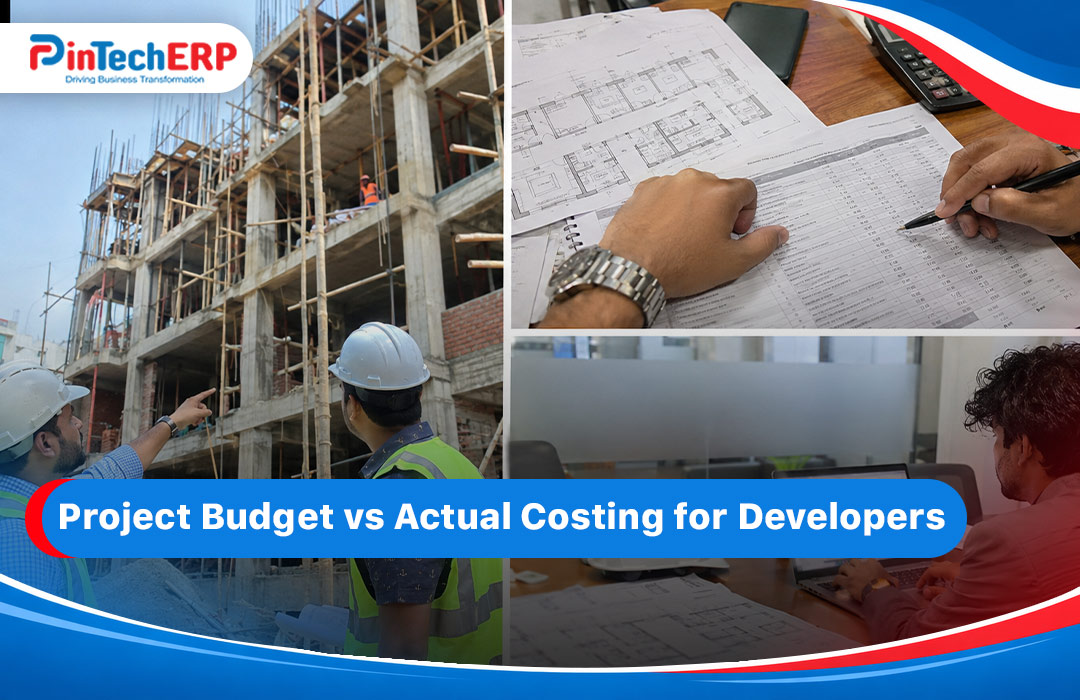
4. Construction cost control. Purchase, store, labor and subcontractor bills are tied to the project. You can compare budget against actual cost. If you also build, see construction ERP software in Bangladesh and our page on BOQ management.
5. Accounts and finance. Every sale, payment and expense posts to the ledger. See finance and accounting for real estate.
6. HR and payroll. Office and site staff, attendance, overtime and salary. See HR and payroll for real estate and construction.
7. Customer relationship. Leads, site visits, follow-ups and after-sales service. See real estate CRM in Bangladesh.
For a clear list of what each module should include, read key modules of real estate ERP.
Who needs real estate ERP?
Not every company needs the same thing. Here is how it looks for different types of businesses.
- Housing project developers need unit-wise sales and long payment plans. See ERP for housing projects.
- Land developers need plot booking, land cost and registration tracking. See ERP for land developers.
- Multi-project developers need one dashboard across many sites. See ERP for multi-project developers.
- Commercial developers need lease, rent and service charge tracking. See commercial real estate ERP.
- Small and new firms need a simple start that can grow. See ERP for small real estate firms in Dhaka and ERP for new real estate agents.
- Property managers who look after buildings after handover should look at PinPMS and our guide to property management ERP.
The main benefits, in plain terms
You see every project clearly. One screen shows units sold, money collected, money due, cost so far and profit estimate.
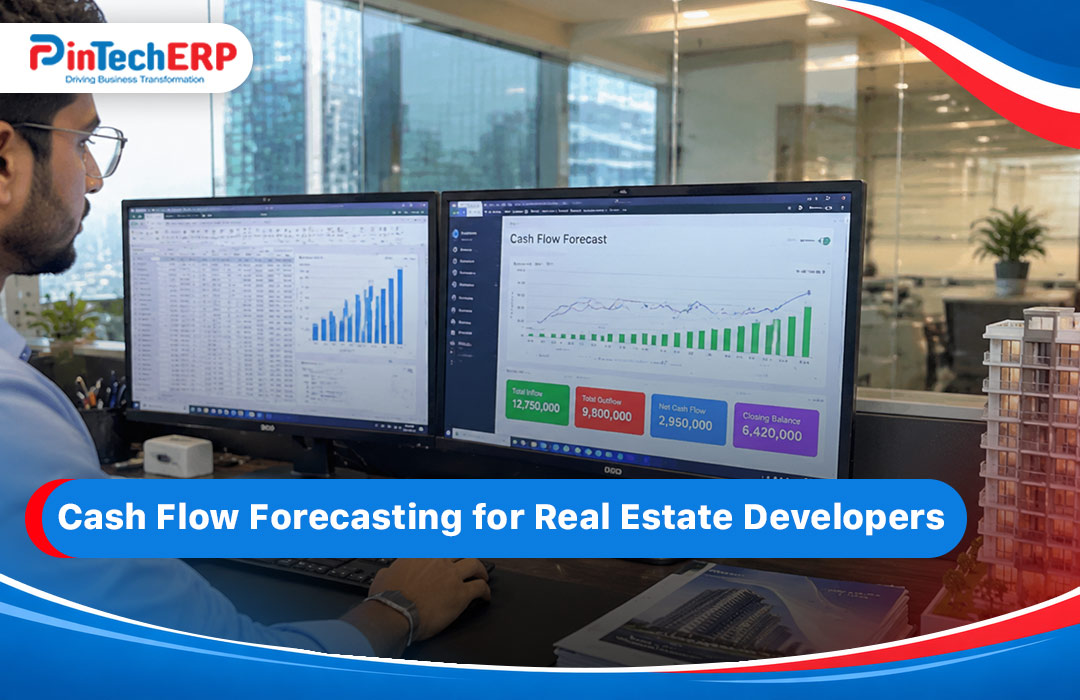
Collections improve. When dues are visible and reminders are automatic, fewer installments are missed. That helps cash flow, which is the lifeblood of any developer.
Fewer double bookings and errors. A unit that is booked cannot be sold again by mistake.
Better cost control. You can catch overspending early, before it eats the margin.
Faster reports for owners and banks. Management reports, project-wise profit and ledgers are ready when you need them, not after a week of cleaning Excel.
Less dependence on one person. When data lives in a system, the business does not stop if one key staff member leaves.
A better customer experience. Buyers get clear statements, on-time reminders and quick answers. That builds trust, and trust sells more flats.
What to look for in a real estate ERP
Many generic ERP tools say they support real estate, but they are really built for factories or shops. Check these points.
- Unit-wise inventory. Each flat, plot or shop should have its own record, with floor, size, facing, price and status.
- Flexible payment plans. You should be able to set booking money, down payment, monthly installments, special installments and late rules.
- Customer ledger and statements. Clear, printable and easy to send.
- Project costing. Cost per project, per phase and per cost head.
- Purchase and store control. Requisitions, approvals, stock at each site.
- Contractor and subcontractor bills. Running bills, retention and payment history.
- Accounting built in. Not a separate tool that needs manual entry. Include VAT and tax handling that suits Bangladesh.
- CRM tools. Lead capture, follow-up reminders and site visit records. See how real estate ERP and CRM work together.
- Role-based access. The sales team should not see the full accounts, and site staff should not see the sale price.
- Reports owners actually use. Project profit, collection summary, due list, stock status and cash flow.
- Local support. Staff who understand how Bangladeshi developers work, including landowner agreements and registration steps.
Common mistakes developers make
Starting too big. Trying to switch every process on day one often fails. Start with sales and customer payments, then add costing, purchase and HR.
Using a general ERP and customizing it heavily. It looks cheaper at first, but the rework adds up. An industry-built system already has your flow.
Skipping data cleanup. Old customer lists, wrong unit sizes and missing payment history will carry over into the new system.
Not training the sales and accounts teams. The best system fails if people keep using paper in parallel.
Ignoring the owner’s reports. Decide early which five reports you want to see each week, and check the system can give them.
How rollout usually works
A typical plan looks like this:
- Week 1-2: List your projects, units and price lists. Clean customer data.
- Week 3-4: Set up units, payment plans and customer accounts. Train sales and accounts.
- Month 2: Add purchase, store and project costing. Train site teams.
- Month 3: Add HR, payroll and reports. Review and fix.
Timelines change by size. For general steps, see our ERP implementation steps.
How much does real estate ERP cost?
Price depends on the number of users, projects and modules, plus any custom work. We explain the factors in our real estate and construction ERP price guide and in ERP software price in Bangladesh. Ask every vendor for a written, line-by-line quote.
PinBuild+ for real estate developers
PinBuild+ is our ERP built for real estate and construction companies in Bangladesh. [Add: 4 to 6 real features in plain words, one named client, and a screenshot of the unit status board or collection dashboard. Confirm the product name spelling, PinBuild+ or PinBuild, and use the same one everywhere.]
You can see how it fits your projects through a real estate ERP demo. Bring one real project, and ask us to set it up live.
Quick checklist before you choose
- Can it track each unit and its status in real time?
- Can it handle my payment plans without custom code?
- Does it link sales, accounts and site cost?
- Can I see project-wise profit on one screen?
- Does the vendor understand Bangladesh property practice?
- Is the price in writing, with support included?
- Can I try it with my own data?
FAQs
What is real estate ERP? It is software that connects sales, customer payments, construction cost, accounts, HR and reports for real estate companies.
Is real estate ERP only for large developers? No. Small firms can start with sales and payment tracking and add more later.
Can ERP track installments? Yes. A good system tracks each customer’s schedule, shows what is due and flags late payments.
Does it help with construction costs too? If the ERP has project costing, purchase and store modules, yes. See construction ERP.
How long does setup take? Usually a few weeks for the core and a few months for everything, depending on size.
Do I need CRM as well? It helps a lot. Leads and follow-ups drive sales. Look at PinCRM.
Where can I see a list of the best options? Read our top 5 real estate ERP systems in Bangladesh.