
HR and payroll software for real estate and construction manages attendance, leave, overtime, salary, bonus, advances and daily labor payments for office staff, site engineers and workers, and posts the cost to the right project. It saves payroll time, cuts errors and shows the true labor cost of every site.
This guide explains what makes construction payroll different, what features you need and how to choose a system that works for both the office and the site.
Why construction payroll is not like office payroll
In an office, you have fixed staff, fixed hours and monthly salary. In real estate and construction, the workforce is mixed and always changing.
- Many types of workers. Permanent staff, project-based engineers, sales agents, security, drivers and daily laborers.
- Many locations. Head office plus several sites, sometimes in different cities.
- Variable hours. Overtime, night shifts and weekend work are common.
- Different pay methods. Monthly salary, daily wage, piece rate and commission.
- Frequent movement. Staff shift between projects. Cost must follow them.
- Advances and deductions. Salary advances, loans, fines and recoveries.
- Compliance. Rules under the Bangladesh Labour Act, festival bonus practice, provident fund or other benefits, and tax deduction.
Excel can handle this for a small team. As headcount grows, payroll becomes a monthly crisis.
What goes wrong without a system
- Attendance is noted on paper at site and sent to the head office days later.
- Overtime is disputed because there is no clear record.
- Salary sheets take a week to prepare and still have errors.
- Staff shifted between projects are charged to the wrong site.
- Advances are forgotten or recovered twice.
- The owner cannot see labor cost per project.
- Ghost entries and duplicate names slip in, especially for daily labor.
The cost is not only time. It is trust, money and legal risk.
What the software should do
1. Employee records. Personal details, ID, joining date, role, grade, salary structure, bank or mobile payment details, documents and history.
2. Attendance, including at site. Biometric machines, mobile check-in, or supervisor entry. Different shift rules for office and site. Late and early leave rules.
3. Leave management. Leave types, balances, approval and holiday calendars.
4. Overtime. Record overtime hours with approval and calculate pay by your rules.
5. Salary structure and payroll run. Basic, house rent, medical, conveyance, allowance, deductions, tax and net pay. Run payroll for all staff in one go and print payslips.
6. Daily labor and piece-rate payment. Record days or output for daily workers and pay based on agreed rates. Keep a clear sign-off trail.
7. Advances and loans. Record advance, set recovery schedule and adjust in payroll.
8. Bonus and benefits. Festival bonus, performance bonus, provident fund and gratuity, based on your policy and legal needs.
9. Sales commission. If you pay agents or sales staff by commission, link it to bookings and collections.
10. Project cost allocation. Split salary cost across projects based on where staff worked. This gives real labor cost per site.
11. Payment and bank files. Bank transfer sheets or mobile payment lists to save manual work.
12. Reports. Salary sheet, attendance report, overtime report, cost by project, advance balance, headcount and turnover.
Features that matter at construction sites
Works with weak internet. Site connectivity is not always good. Ask how attendance is captured and synced.
Supervisor entry for daily labor. A site supervisor should log daily attendance quickly and simply.
Simple screens. Site staff may not be comfortable with complex software. Keep entry forms short.
Project-wise cost. Salary and overtime flow to the project cost report.
Duplicate and ghost checks. Flag repeated IDs or phone numbers.
Approval before payment. Engineers confirm attendance, HR checks, accounts pays.
How it fits with ERP
HR and payroll should not live alone. When linked, they feed the rest of the business.
- Accounts: salary expense posts to the ledger, tagged to projects. See finance and accounting for real estate ERP.
- Project costing: labor cost joins material and contractor cost in one report. See construction ERP software in Bangladesh.
- Contractors: if workers are paid through contractors, the contractor bill covers them. See contractor management systems.
- Sales: commission links to bookings. See flat and apartment sales software.
For a wider view, read our pages on HR and payroll software in Bangladesh, HRM software in Bangladesh and construction payroll ERP.
How to choose
List your worker types. Staff, engineers, agents, daily labor, contract labor. Check the system covers each.
Check attendance options. Biometric, mobile, supervisor entry. Ask which devices are supported and how data syncs from remote sites.
Test a payroll run. Give the vendor your salary structure and ten sample staff with overtime and an advance. Watch the payslip come out correct.
Check the rules. Ask how leave, overtime, bonus and tax rules are set. Your HR and legal team should confirm they match your policy and the law.
Check project allocation. Move a staff member between sites mid-month. Does cost follow correctly?
Check reports. Cost by project and attendance by site.
Check support. Payroll deadlines are fixed. Ask about response time near month-end.
Check price. Ask about per-employee pricing, device integration costs and add-ons. See ERP software price in Bangladesh.
Mistakes to avoid
Paying daily labor in cash with no record. It creates cost leaks and legal risk.
Using a different sheet at each site. Standardize before you move to software.
Not setting overtime rules. Write them down first. Then set them in the system.
Skipping approvals. Attendance must be confirmed before payment.
Keeping HR separate from accounts. Reconciliation takes days.
Ignoring staff training. Site supervisors need simple, hands-on training.
A short example
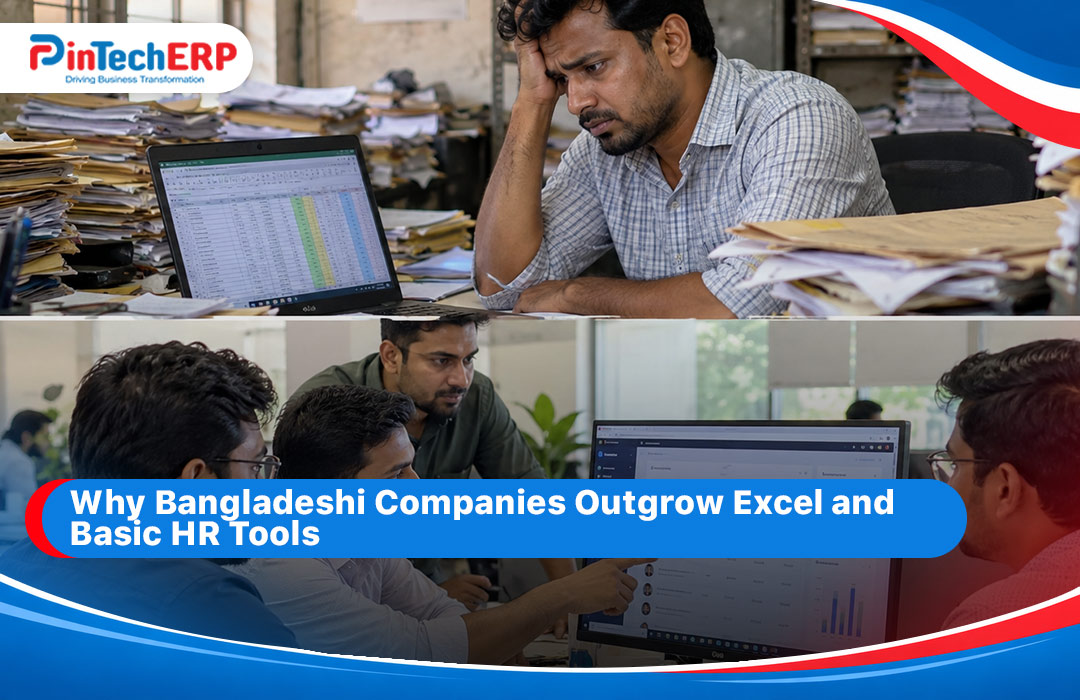
A developer has 120 office and site staff plus about 200 daily workers across four sites. Each month, supervisors send attendance sheets by photo. The HR team re-types them, calculates overtime by hand and prepares salary sheets over several days. Cost per site is guessed.
With HR and payroll software, supervisors enter attendance daily from a phone or tablet, overtime is approved in the system and payroll runs in hours. Payslips and bank sheets come out together. The owner opens one report and sees labor cost per site, which helps in budget control and pricing.
Where PintechERP fits
Our HRM and payroll solutions work as part of the wider system, including PinBuild+ for real estate and construction. [Add: confirm supported attendance devices, site attendance methods, daily labor features, project cost allocation and bank file formats. Add a screenshot of a payslip and a project labor cost report.]
To see it on your own payroll, ask for a demo and bring your salary structure and one month of attendance data.
Quick checklist
- Employee records for staff, agents and daily labor
- Biometric, mobile and supervisor attendance
- Overtime, leave and shift rules
- Salary structure, bonus and benefits
- Advances and loans with recovery
- Project-wise labor cost
- Approval before payment
- Bank or mobile payment files
- Reports for HR, accounts and owners
FAQs
What is construction payroll software? It is software that handles attendance, overtime, salary and daily labor payment for construction and real estate companies, with cost tracked by project.
Can it pay daily laborers? Yes, if it supports daily wage and supervisor-entered attendance. Ask to see it in a demo.
Does it work with biometric machines? Many systems do. Ask which devices are supported.
Can salary cost be split by project? A good system does this automatically based on where staff worked.
Is it linked to accounts? It should be, so salary expense posts without retyping.
Can it handle commission for sales agents? If linked to the sales module, yes. Check how commission rules are set.